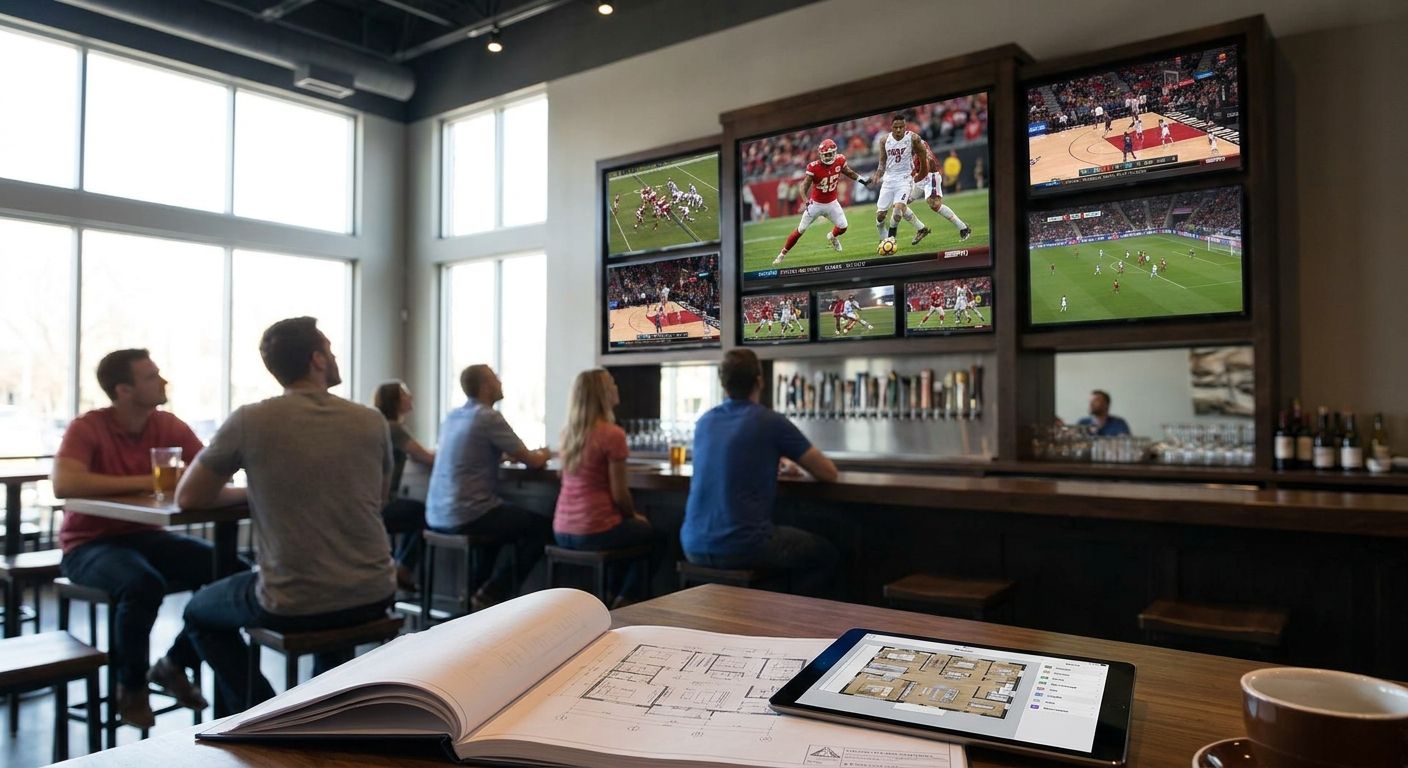
A sports bar with six TVs stacked on one wall and half of them impossible to see from the bar top isn't a TV wall — it's wasted screen inventory. Planning the layout before anyone drills a hole is what separates a room where every seat has a sightline from one where regulars complain about the corner booth.
- Use the 1.5x-2x screen diagonal rule to size TVs by seating distance before buying anything.
- Metal stud walls need mounts rated for 16-inch on-center spacing, not drywall anchors alone.
- One hero screen (75-inch or larger) anchors the room; secondary screens fill sightlines from every seat.
- The TV Mount Men has installed 10,000+ TVs across metro Atlanta, including multi-screen sports bar walls.
- Plan power and cable runs before the wall goes up — retrofitting outlets behind a 12-TV wall costs more than doing it once.
Why this matters
A sports bar TV wall isn't a home theater scaled up. It has to serve 40+ seats at different angles, different distances, and different sightlines to the bar top, the pool tables, and the patio door. Get the spacing and sizing wrong and you end up with screens nobody watches, or worse, glare and neck strain that pushes customers to a competitor down the street.
The TV Mount Men has handled sports bar and multi-screen TV mounting across metro Atlanta, and the layout mistakes repeat: TVs mounted too high for the nearest booth, no plan for the metal stud wall behind the drywall, and cable runs added after the fact instead of before.
What you'll need
- A scaled floor plan of the room (seating, bar top, sightlines to entry/exit)
- A tape measure and laser level for wall layout
- Stud finder rated for metal studs, not just wood
- Heavy-duty tilt or full-motion brackets rated for commercial TV weights (most 65-inch to 86-inch commercial displays run 60-120 lbs)
- An electrician's plan for outlet and low-voltage cable placement behind each mount point
- A list of TV sizes and quantities confirmed with your AV or POS vendor before wall prep starts
The steps
1. Map every sightline in the room first
Walk the room and mark where people actually sit — bar stools, booths, high-tops, patio seating. Every TV placement decision follows this map, not the other way around.
Missing this step is why bars end up with a 55-inch screen perfectly centered on a wall that only three barstools can see. Sketch sightline cones from each seating zone to the wall before you commit to a single mounting point.
Common mistake: designing around the wall's symmetry instead of the seating layout. A sports bar wall should look slightly uneven if that's what the sightlines demand.
2. Set your TV count and hero screen
Most metro Atlanta sports bars run 6 to 14 screens depending on square footage, with one hero screen — typically 75-inch or larger — reserved for the marquee game. Everything else supports it.
Pick the hero screen's position first: centered on the longest sightline from the bar top, usually above eye level but not so high it forces customers to crane their necks. Secondary screens fill in gaps the hero can't cover — corner booths, the far end of the bar, patio sightlines.
Common mistake: buying all matching TV sizes. A uniform wall looks clean in a photo but wastes screen real estate on short sightlines where a 43-inch would do the job of a 65-inch.
3. Size each screen using the distance rule
The standard viewing-distance guideline (based on THX and SMPTE recommendations) puts optimal seating distance at 1.5 to 2 times the screen's diagonal size in inches. A 65-inch TV wants viewers between roughly 8 and 11 feet away; a 75-inch stretches that to 9-12.5 feet.
Measure the actual distance from each seating zone to its planned TV and size the screen to match, not the other way around. A 55-inch TV mounted 20 feet from the nearest seat is functionally invisible.
Expected outcome: every seat in the room has at least one screen sized correctly for its distance, with no screen forcing squinting or overwhelming a close seat.
4. Identify your wall type before ordering brackets
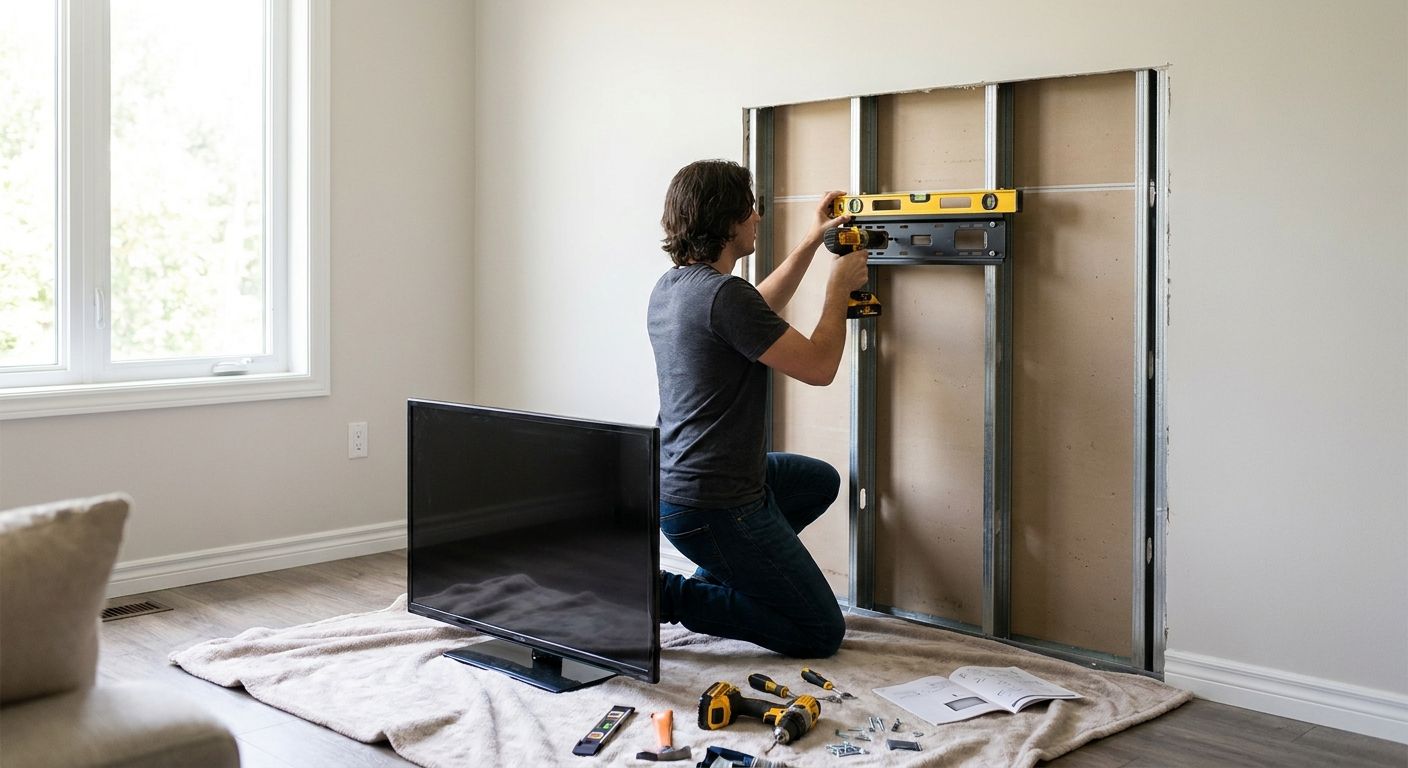
Commercial buildouts in metro Atlanta mix drywall over wood studs, drywall over metal studs, and exposed brick or block in older buildings. Each needs a different bracket and anchor strategy, and metal stud walls in particular need mounts rated for 16-inch on-center spacing rather than standard drywall toggles.
Run a stud finder set to metal mode across the entire planned wall before finalizing TV positions. If the studs land in an awkward spot for your hero screen, mounting on a metal stud wall requires backing plates or through-bolt hardware, not just longer screws.
Common mistake: assuming every commercial wall is wood-framed. Guessing wrong here means a TV that shifts or a bracket that pulls loose under the weight of an 80-inch commercial display.
5. Route power and cable before the wall closes up
Every TV position needs a dedicated outlet and a low-voltage pathway for HDMI, cable, or streaming box connections, ideally run inside the wall so nothing hangs below the screen. Plan this with an electrician during buildout, not after the TVs are already up.
For a 10-screen wall, that's 10 outlets and 10 cable runs minimum, plus a central rack location for cable boxes and distribution amps if you're splitting one feed across multiple screens.
Common mistake: running one extension cord to a power strip behind three TVs. It's a fire code problem and it looks unfinished the moment a customer glances behind the bar.
6. Set consistent mount heights within each seating zone
TVs visible from the same seating area should share a horizontal sightline even if their screen sizes differ, so eyes don't bounce up and down scanning scores. Use a laser level to keep the bottom or center line consistent across each cluster of screens.
For bar-height seating, center screens roughly 42-48 inches above the floor line of the viewing zone; for standing areas or high-top tables, that number climbs. Adjust per zone, not per wall.
Common mistake: matching height to the wall's architecture (a soffit, a beam) instead of matching it to where people's eyes land when seated.
7. Space screens to avoid visual competition
TVs mounted too close together fight for attention and make it hard to focus on any single game. Leave enough gap between adjacent screens that a viewer's eye treats each as a separate zone, not a continuous video wall unless that's the specific design goal.
For a cluster of same-size screens on one wall, a gap equal to roughly 10-15% of the screen's diagonal width reads as intentional rather than cramped.
Common mistake: cramming screens edge-to-edge to fit more TVs on one wall. It reads as clutter, not as more content.
8. Final walkthrough from every seat before signing off
Before calling the installation finished, sit in every seating zone — bar stools, corner booths, the patio door — and confirm the sightline actually works at eye level, not just on the floor plan.
Check for glare from windows, kitchen pass-through lighting, or exit signs reflecting off any screen. Fix lighting or reposition before the wall is considered done, because moving a mounted 75-inch TV after the fact costs far more than adjusting the plan on paper.
Plan your sports bar TV wall right
Licensed and insured multi-screen installs across metro Atlanta.
Troubleshooting
- Glare washes out screens near windows or the patio door. Add blackout film or reposition the affected TVs to an interior wall segment; tilting brackets 5-10 degrees down often cuts reflection from overhead lighting.
- Metal stud walls won't hold heavy-duty brackets. Use backing plates spanning at least two studs or through-bolt hardware instead of relying on toggle anchors alone.
- Screens near the kitchen or bar well look dimmer than the rest of the wall. Match brightness and calibration settings across all screens fed from the same source, since mismatched factory settings are the usual cause.
- Cable clutter is visible below screens. Route all HDMI and power lines through in-wall conduit during buildout; retrofitting after drywall closes means exposed raceways.
- Sound competes across multiple screens playing different games. Keep audio on one or two designated TVs with the rest muted and captioned, controlled from a central AV rack.
- A corner booth still can't see any screen after installation. Add a smaller supplemental TV (32-43 inch) sized to that shorter viewing distance rather than trying to angle an existing screen toward it.
Tools and resources
- Stud finder rated for both wood and metal stud detection
- Laser level for consistent height lines across seating zones
- Heavy-duty tilt or full-motion brackets rated for commercial display weights
- Multi-screen sports bar TV mount options sized for 65-inch through 86-inch commercial displays
- Electrician or licensed AV contractor for outlet and low-voltage cable runs
What to do next
Large multi-screen layouts for churches, event venues, and other high-capacity rooms follow the same sightline-first logic. Review TV mounting for churches and event spaces for how the same distance-and-spacing math applies outside a bar setting.
FAQ
How many TVs should a sports bar have?
Most metro Atlanta sports bars run 6 to 14 screens depending on square footage and seating layout in 2026. The exact count depends on how many distinct sightline zones the room has, not the wall's total length.
What size TV is best for a sports bar wall?
Size each screen to its seating distance using the 1.5x to 2x diagonal rule — a 65-inch TV suits viewers 8-11 feet away, while a 75-inch or larger hero screen works for distances up to 12.5 feet. Mixing sizes across the wall, not matching them all, is standard for sports bar layouts.
Can you mount a TV on a metal stud wall in a commercial building?
Yes, but metal stud walls need mounts rated for 16-inch on-center spacing and often backing plates or through-bolt hardware instead of standard drywall anchors. Skipping this step is the most common cause of a commercial TV mount failing under weight.
How high should TVs be mounted in a sports bar?
Bar-height seating typically calls for screens centered around 42-48 inches above the seated eye line, with standing or high-top zones needing screens set higher. Height should match each seating zone's sightline, not a single number for the whole wall.
How much space should be between TVs on a multi-screen wall?
A gap equal to roughly 10-15% of the screen's diagonal width between adjacent TVs keeps each screen readable as a separate viewing zone. Tighter spacing than that reads as cluttered rather than intentional.
Do sports bar TV walls need dedicated electrical work?
Yes — each TV position needs its own outlet and a low-voltage cable pathway run inside the wall, planned with an electrician before the wall closes up. Running extension cords to shared power strips behind multiple TVs is both a fire code issue and a common failure point.
Who installs multi-TV walls for commercial venues in Atlanta?
The TV Mount Men handles multi-screen commercial installs across metro Atlanta and is licensed and insured with a 5-year warranty on completed work as of 2026. The company has completed 10,000+ TV installations, including sports bar and multi-screen venue walls.
One last thing
The hero screen isn't the TV that gets the most compliments — it's the one that determines where every other screen on the wall gets placed. Lock its position and size first using the sightline map, and the rest of the layout falls into place instead of getting reverse-engineered after the fact.