Metal stud walls need different hardware than wood framing, and guessing wrong means a 65-inch TV pulling out of drywall six months after install. Mounting a TV on metal studs in 2026 comes down to locating the steel, using anchors rated for it, and skipping the wood-screw shortcuts that work on a two-by-four.
- Mounting a TV on metal studs requires a stud finder set to metal mode and hardware rated for 20-gauge steel, not wood screws.
- 16-inch on-center spacing is standard in most Atlanta-area builds from the last three decades.
- Self-drilling toggle anchors spanning two studs hold most 55-75 inch TVs, which run 25-70 lbs depending on model.
- Plastic drywall anchors strip out of metal studs under TV weight within months — skip them entirely.
Why this matters
Wood studs forgive mistakes. A lag screw driven slightly off-center into a 2x4 still has enough wood fiber to hold. Steel doesn't work that way — a 20-gauge metal stud is a thin C-shaped channel, and a screw that misses the flat face or strips the pilot hole has nothing left to grip.
More condos, basements, and newer builds across metro Atlanta use metal studs in at least some interior walls, especially below-grade and in commercial-adjacent construction. Getting the mount wrong on steel doesn't just mean a crooked TV — it means a TV on the floor.
What you'll need
- Stud finder with a metal-detection setting (magnetic finders alone won't reliably locate steel studs behind drywall)
- Self-drilling toggle anchors or steel-stud-rated snap toggles (not standard plastic drywall anchors)
- Cordless drill with a #2 Phillips bit and a 3/8-inch metal drill bit for pilot holes
- Level, pencil, tape measure
- A TV wall mount for metal stud walls rated for your screen's VESA pattern and weight
- A second person to hold the TV during the final hang
Skip masonry anchors and standard wood toggle bolts — they're built for a different substrate and won't seat correctly in 20-gauge steel.
The steps
1. Locate the studs and confirm spacing
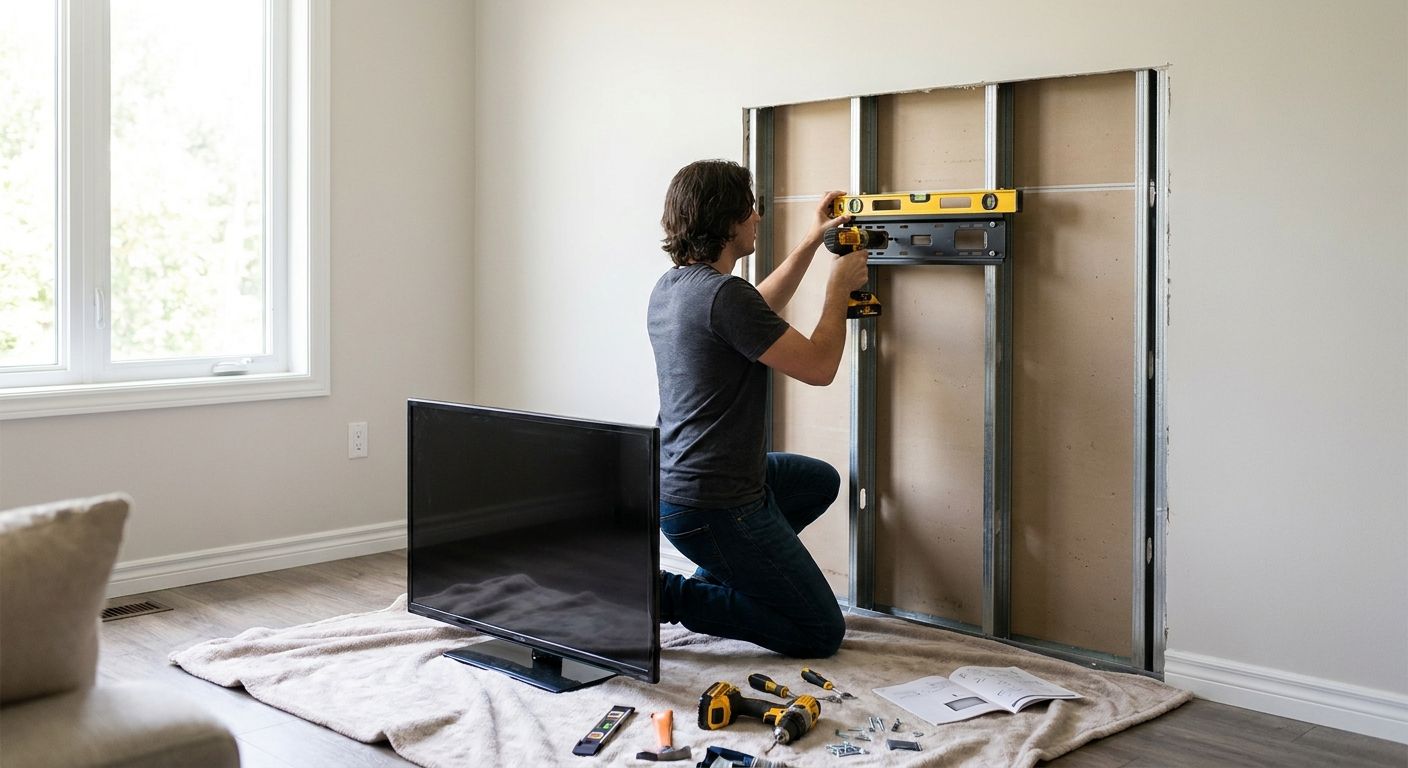
Run a stud finder set to metal mode across the wall in a wide arc, marking every hit with a pencil dot. Metal studs typically run 16 inches on-center, though some builds use 24-inch spacing — measure between your first two hits to confirm before you commit to a layout.
Common mistake: using a standard magnetic stud finder alone. It'll find the screws holding the drywall to the stud but can miss the stud's actual edges, leading to off-center pilot holes.
2. Mark your mount height and level line
Measure from the floor to your target center height — 42 inches to the TV's center is a common eye-level reference for a seated viewer, but adjust for room layout and seating distance. Draw a level line across the wall using a bubble level, not a guess.
A line that's off by even half a bubble will show once the TV is hung and the room's other lines (baseboards, window trim) expose the tilt.
3. Drill pilot holes sized for the anchor
Most self-drilling toggle anchors for steel studs need a 3/8-inch pilot hole through the drywall and into the stud face. Drill slowly — steel generates heat fast, and a bit that's dull or spinning too quick will skate off the flat face instead of biting in.
Expected outcome: a clean, round hole with no drywall crumbling around the edge. If the drywall chips, back off the drill speed.
4. Set the toggle anchors
Insert the anchor and turn it clockwise with a drill or a screwdriver until the wings fully deploy behind the steel stud. You'll feel resistance increase sharply once the wings catch — that's your signal it's seated, not a sign to force it further.
Common mistake: stopping too early because the anchor feels tight. A half-deployed wing holds a fraction of its rated weight and is the single biggest cause of mounts failing within the first year.
5. Attach the mount bracket to the wall
Line the mounting plate up against your marked holes and drive the mount's included screws into the seated toggle anchors. Tighten in a cross pattern — top-left, bottom-right, top-right, bottom-left — so the plate seats flat instead of racking to one side.
Check the plate with a level again before fully tightening the last screw. This is the last easy point to correct a tilt.
6. Attach the TV bracket arms to the TV
Lay the TV face-down on a padded surface (a moving blanket over the box it shipped in works) and bolt the mount's arms to the VESA holes on the back panel. Use the bolt length specified for your TV's panel thickness — bolts that are too long can crack the screen from behind.
Expected outcome: arms sit flush with no visible gap between the bracket and the TV's back panel.
7. Hang the TV and route the cables
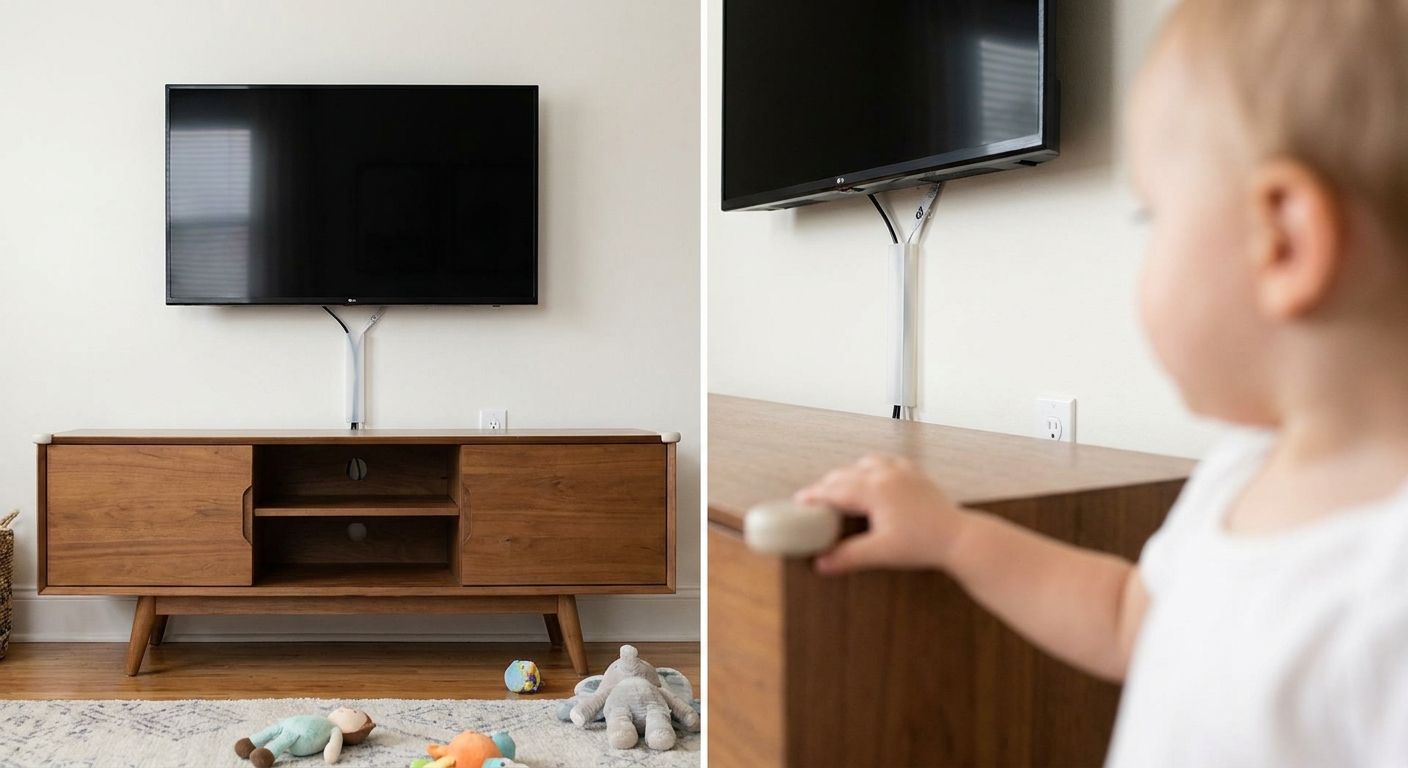
With a second person supporting the TV's weight, lift it onto the wall plate and confirm the locking mechanism clicks or the safety screw is set, depending on your mount type. Once it's secure, dress the HDMI and power cables along the wall using adhesive clips or an in-wall cable kit if you want a fully cord-free finish.
Gently pull-test the TV from the bottom corners before letting go entirely — it should not shift or tilt under normal hand pressure.
Skip the metal stud guesswork
Licensed Atlanta installers mount on steel studs with the same 5-year warranty.
Troubleshooting
The anchor spins freely and won't tighten. The pilot hole is oversized or the wings deployed on the wrong side of the stud. Remove it, patch the hole, and re-drill an inch to the side over confirmed steel.
The TV sits slightly tilted after mounting. The wall plate likely wasn't leveled before final tightening. Loosen the plate screws, re-level, and re-tighten in the cross pattern from Step 5.
The drill won't bite into the stud face. The bit is dull or the drill speed is too high for steel. Switch to a sharp metal-rated bit and drop to a slower drill speed.
The mount feels loose after a few weeks. One or more toggle wings likely never fully deployed. Remove the mount, inspect each anchor point, and replace any anchor that doesn't show full wing resistance.
Cables won't stay routed behind the TV. Adhesive clips lose grip on textured or painted walls over time. An in-wall cable management kit routes power and HDMI through the wall cavity for a permanent fix.
Tools and resources
- Stud finder with metal-detection mode
- Self-drilling steel-stud toggle anchors, sized to your mount's bolt pattern
- Low-profile TV mount options for tighter rooms where a bulky arm mount won't work
- Torque-limited drill driver to avoid overtightening VESA bolts
- Bubble level and stud-marked pencil layout
Basement installs add a layer of complexity — basement and finished lower-level TV mounting often means metal studs paired with moisture-resistant drywall, which changes anchor selection.
What to do next
Once the mount is set, cable routing and outlet placement usually matter more to the finished look than the mount itself. If this is a home office setup where cable clutter behind a desk is the real problem, the home office TV mounting guide covers outlet placement and cord management specific to that layout.
FAQ
Can you mount a TV on metal studs without a stud finder?
No — metal studs don't show visible seams like wood framing, and guessing at spacing risks drilling into empty drywall cavity. A stud finder set to metal mode is the only reliable way to confirm stud location before drilling.
What anchors work best for mounting a TV on metal studs?
Self-drilling toggle anchors rated for steel studs work best, since they deploy wings behind the thin metal channel instead of relying on wood fiber grip. Plastic drywall anchors and standard wood screws are not rated for this and will fail under TV weight.
Is mounting a TV on metal studs harder than wood studs?
It's a different process, not necessarily harder, but it requires steel-rated hardware and more careful pilot-hole drilling since metal doesn't forgive off-center holes the way wood does. Most of the difficulty is in stud location and anchor selection, not the actual hang.
How much weight can a metal stud wall hold for a TV?
A properly installed toggle anchor spanning two 20-gauge steel studs typically holds 55-75 inch TVs weighing 25-70 lbs without issue in 2026. Weight capacity depends on anchor quality and how fully the wings deploy during install.
Do I need a professional to mount a TV on metal studs?
Not always, but metal stud installs have a lower margin for error than wood, and a failed anchor means a TV on the floor. The TV Mount Men handles metal stud mounting across metro Atlanta with the same 5-year warranty as standard drywall jobs.
What's the difference between metal stud spacing and wood stud spacing?
Both commonly use 16-inch on-center spacing, though some metal stud construction uses 24-inch spacing instead. Always measure between two confirmed studs before laying out your mount rather than assuming either spacing.
Can a magnetic stud finder locate metal studs?
A magnetic stud finder can pick up the drywall screws driven into the stud, but it won't reliably trace the stud's actual edges the way a metal-detection setting does. Use a stud finder with a dedicated metal mode for accurate marking.
One last thing
The wing-deployment step is where most metal stud mounts fail, not the drilling. An anchor that spins in without full resistance will hold a TV for a few weeks and then let go without warning — always confirm that sharp increase in resistance before moving to the next hole in 2026.