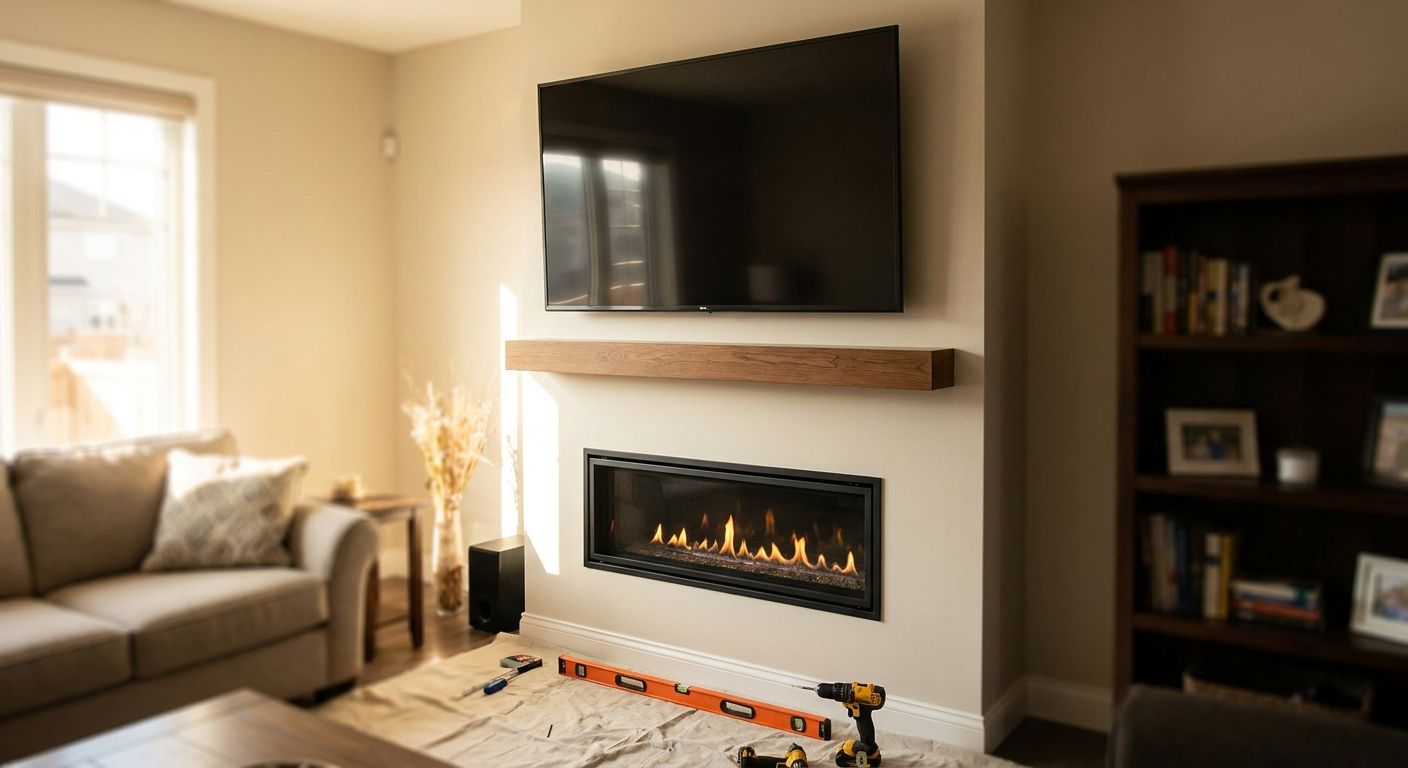
Mounting a TV above a gas fireplace insert solves the biggest layout problem in most Atlanta living rooms, but it only works if you handle heat, cable runs, and viewing angle in the right order. This 2026 guide walks through the process The TV Mount Men uses on above-fireplace installs across metro Atlanta, from Woodstock basements to Rockmart bedrooms.
- How to mount a TV above a gas fireplace starts with checking the insert's manufacturer clearance spec, not the wall material.
- Use a tilt or full-motion mount above a firebox, not a fixed bracket, or you'll strain your neck daily.
- Studs above a fireplace chase are often 16 inches on center, but many chimney chases have no studs at all above the firebox.
- The TV Mount Men rates above-fireplace mounts to hold TVs up to 100 lbs and backs every install with a 5-year warranty.
Why This Matters
A gas fireplace insert throws real heat upward, and the wall surface above it is frequently masonry, tile, or a stone veneer instead of open drywall. That combination changes which mount you buy, how you anchor it, and how far you pull the screen off the wall.
Get the clearance wrong and you risk long-term heat exposure to the TV panel. Get the mount type wrong and you're stuck looking up at a fixed screen every time you sit on the couch. Both mistakes are avoidable if you work through the steps in order, before you drill anything.
What You'll Need
- Stud finder rated for masonry, tile, or metal (standard magnetic finders miss studs behind stone veneer)
- Hammer drill with masonry bits if the surface above the firebox is brick, stone, or tile
- Tilt or full-motion TV mount rated for your TV's weight (most 55-to-75-inch TVs need a mount rated to at least 100 lbs)
- In-wall power kit or a licensed electrician if there's no outlet near the mounting point
- HDMI cable and in-wall-rated cable-management kit
- Level, stud markers, lag bolts or masonry anchors matched to the mount manufacturer's spec
- The gas insert's install manual, specifically the section on clearance to combustibles
The Steps
1. Check the manufacturer's heat clearance spec first
Every gas fireplace insert ships with a manual that lists a minimum clearance to combustible materials above the firebox opening — commonly in the range manufacturers set for mantels and trim, and it varies by BTU output. Pull that number before you measure anything else on the wall. Skipping this step is the single most common reason homeowners call The TV Mount Men to relocate a TV that was mounted too low.
Common mistake: guessing the clearance based on how the fireplace "feels" when it's running, instead of pulling the actual manual.
2. Locate studs or plan masonry anchors
Above a drywall chase, studs typically run 16 inches on center — a standard framing spec you can confirm with a stud finder. Above a brick, stone, or tile surround, there's often no wood framing at all, and you'll anchor into masonry with the fastener type the mount manufacturer specifies for that surface.
Mixed surfaces — drywall on one side of the chimney breast, tile facing on the other — are common in Atlanta builds from the 2000s. Confirm which material sits directly behind your mounting point before you commit to a bracket.
3. Pick a tilt or full-motion mount, never fixed
A fixed mount locks the TV flat against the wall, and above a fireplace that usually means a viewing angle several inches above seated eye level. A tilt bracket angles the screen down 5 to 15 degrees, which fixes glare and neck strain in most rooms. A full-motion arm pulls the TV 15 to 20 inches off the wall and lowers the effective viewing height, which matters more the taller your mantel sits.
For rooms with uneven stone or textured plaster surrounds, mount selection also depends on how flat the surface is behind the bracket plate — uneven or textured plaster walls need a bracket that can shim out from the wall evenly on both sides.
4. Run cable and power before you touch the bracket
Fishing an HDMI cable and a new power line through the wall is dramatically easier before the mount plate is up. If there's no outlet near the fireplace chase, this is the point to bring in a licensed electrician — running a new line behind a mounted TV after the fact usually means pulling the bracket back off.
Common mistake: mounting the TV first, then trying to fish cable around a bracket plate that's already anchored.
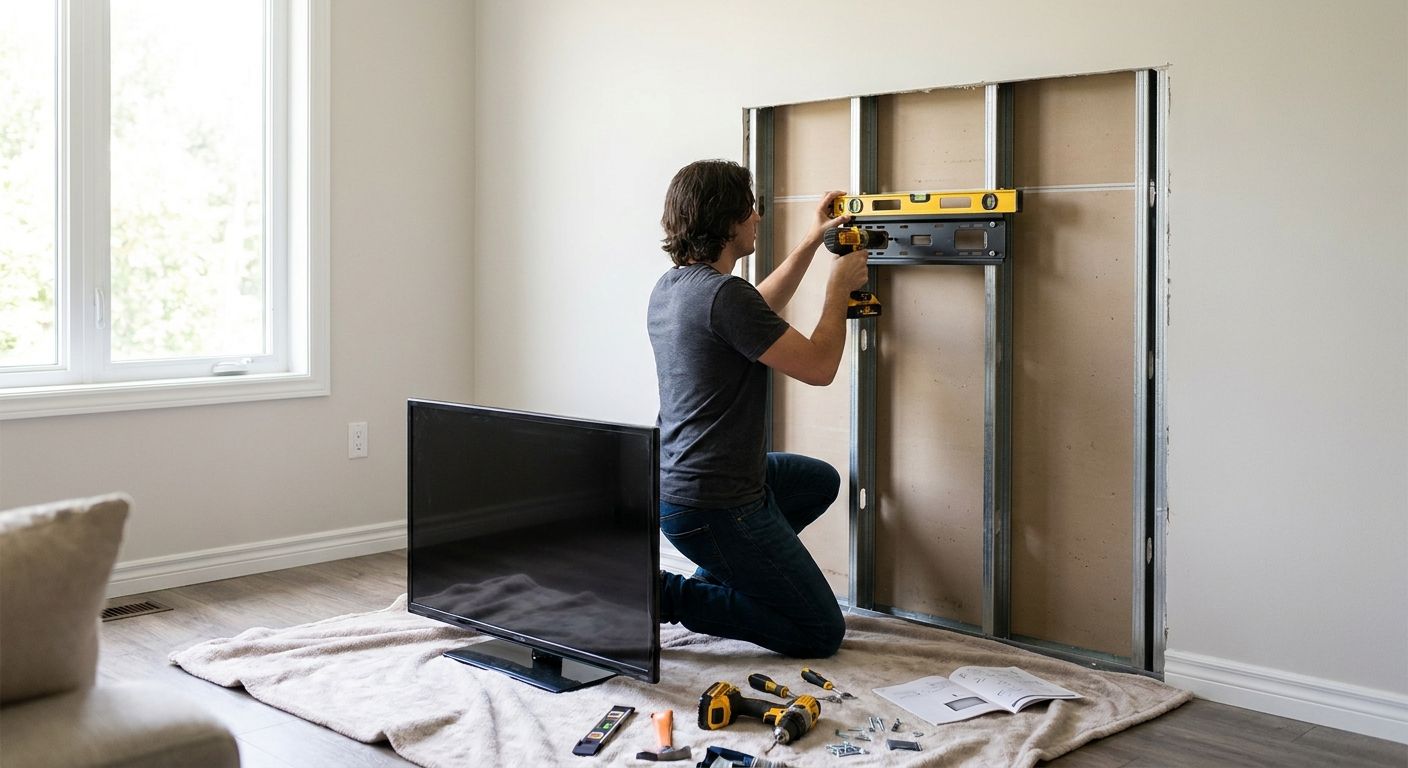
5. Anchor the bracket to the wall
Drive lag bolts into studs, or masonry anchors into brick or tile, exactly per the mount manufacturer's torque and spacing spec. A bracket rated to hold 100 lbs is only as strong as its weakest anchor point — undersized masonry anchors are the top cause of mount failures on fireplace surrounds.
Level the plate before final tightening. A quarter-inch of drift at the bracket becomes a visibly crooked TV once you're standing across the room.
6. Attach and level the TV
Hang the TV on the bracket arms, connect HDMI and power, and check level again with the screen in place — brackets can shift slightly under the TV's actual weight versus an empty test hang. Confirm the tilt mechanism moves freely through its full range before you dress any cables.
7. Dress the cables and hide the finish
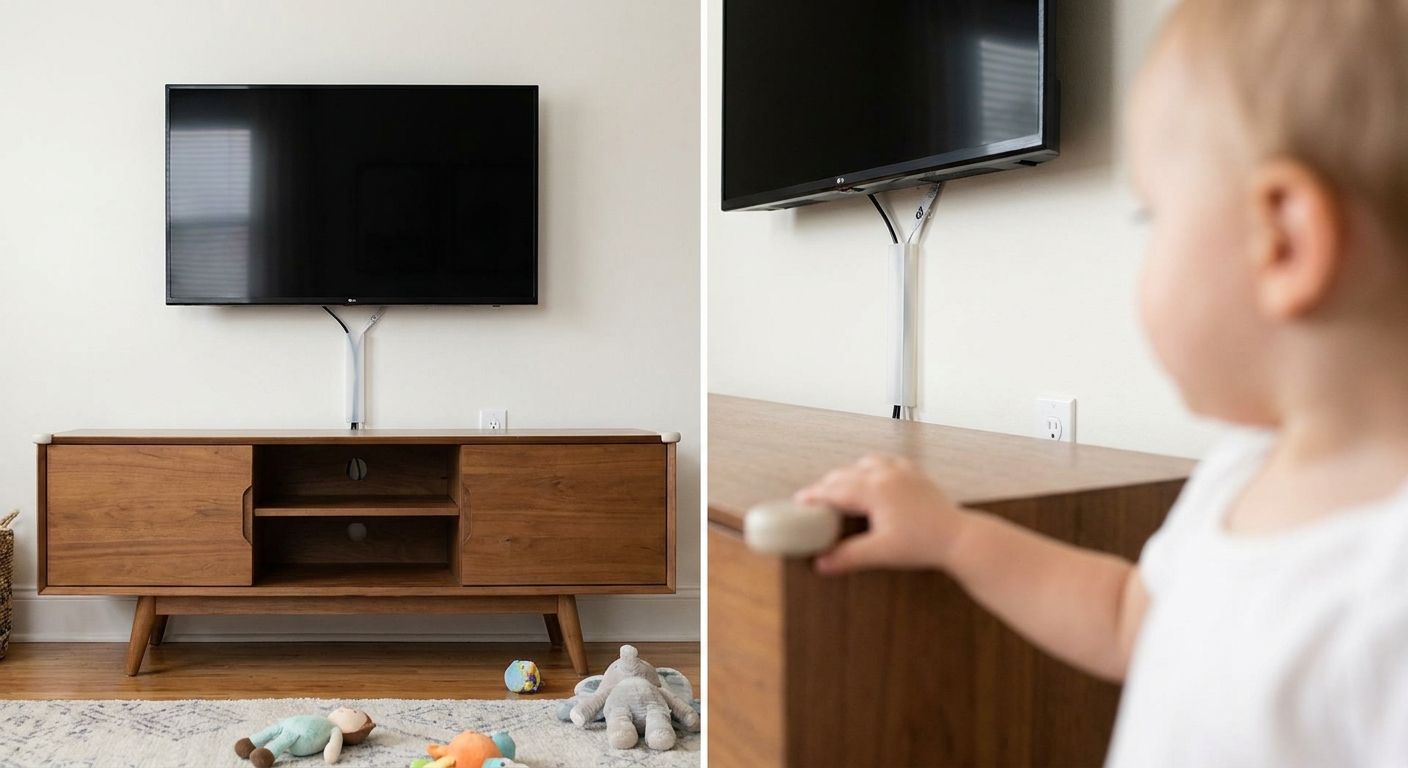
Route HDMI and power through an in-wall cable kit or a paintable raceway that matches the wall color. Above a masonry surround, a raceway is usually cleaner than fishing cable through solid brick or stone.
8. Test with the fireplace running
Turn the gas insert on and let it run for 20 to 30 minutes with the TV powered on. Check the back panel temperature by hand and watch for any picture artifacts. Most manufacturer manuals cap safe panel operating temperature well below what a fireplace can radiate at close range, so this test matters more than it looks like it should.
Get an above-fireplace TV mount quote
Licensed, insured installs across metro Atlanta with a 5-year warranty.
Troubleshooting
- TV feels warm to the touch after the fireplace runs: pull the mount further off the wall with a full-motion arm, or add standoff spacers to increase airflow behind the panel.
- Screen glare from below when the fireplace flame is visible: increase tilt angle 5 to 10 more degrees, or shift viewing height down if the mantel allows it.
- Anchors won't hold in a stone or brick surround: switch from plastic anchors to masonry sleeve anchors rated for the mount's full weight capacity, not just the TV's box weight.
- No outlet near the mounting point: bring in a licensed electrician to run a new line behind the wall rather than running an exposed extension cord, which most HOAs and inspectors flag.
- Cable box or soundbar remote won't reach the TV: relocate the receiver to a shelf with line of sight, or switch to an IR extender kit routed alongside the HDMI cable.
- Wall cracks near the anchor point during drilling: stop immediately — this usually means you've hit an unsupported section of tile or veneer, and a different anchor location or a backer plate is needed.
Tools and Resources
- Stud finder rated for masonry and metal
- Hammer drill with masonry bits
- Tilt or full-motion mount rated to your TV's weight
- In-wall cable management kit
- The gas insert's manufacturer install manual
- A related walkthrough on mounting a TV over a brick fireplace if your surround is brick rather than a drywall chase
- A reference guide for man cave and home theater setups if the fireplace TV anchors a larger room
What to Do Next
If your fireplace surround is brick, stone, or a mixed material rather than open drywall, read through the brick fireplace walkthrough linked above before you buy a mount — anchor selection changes completely once masonry is involved. For a straightforward above-fireplace install in 2026, The TV Mount Men handles the clearance check, the anchor work, and the cable concealment in one visit, with a 5-year warranty backing the mount.
FAQ
Is it safe to mount a TV above a gas fireplace insert?
Yes, as long as the mount respects the insert manufacturer's heat clearance spec and the TV panel stays below its rated operating temperature. Full-motion mounts that pull the screen off the wall add an extra buffer against heat exposure.
How high should a TV be mounted above a gas fireplace?
Height depends on the mantel and seated eye line in the room, not a fixed number. A tilt or full-motion mount compensates for extra height better than a fixed bracket does.
What mount is best for above a gas fireplace?
A tilt or full-motion mount rated for your TV's weight class works best above a firebox. Fixed mounts leave the screen angled too high for comfortable seated viewing in most rooms.
Do I need a tilting mount above a fireplace?
In most cases, yes. A tilt bracket angles the screen 5 to 15 degrees down, which cuts glare and neck strain caused by a mantel pushing the TV above eye level.
How much clearance does a TV need from a gas fireplace insert?
Clearance depends on the insert's BTU output and manufacturer manual, which lists a minimum distance to combustible materials above the firebox. Pull that number before choosing a mounting height.
Can heat from a gas fireplace damage a TV?
Sustained heat above the panel's rated operating temperature can shorten its lifespan or cause visible artifacts. Full-motion mounts and adequate clearance reduce that risk significantly.
How do I hide cables above a fireplace mount?
Run HDMI and power through an in-wall cable kit or a paintable raceway matched to the wall finish. Masonry surrounds usually need a surface raceway since fishing cable through brick or stone is impractical.
Does mounting a TV above a fireplace void the manufacturer warranty?
It can, if the install ignores the insert's stated clearance to combustibles. Following the manufacturer's manual during the mount keeps both the fireplace and TV warranties intact.
One Last Thing
Most homeowners assume a fixed mount is fine because "it's just above the fireplace, not that high." In practice, a mantel that sits 12 to 18 inches above a standard sofa back pushes screen center well past comfortable seated eye level, and a fixed bracket can't correct for it. A tilt mount costing a modest amount more solves a problem you'd otherwise live with every single day in 2026 and beyond.