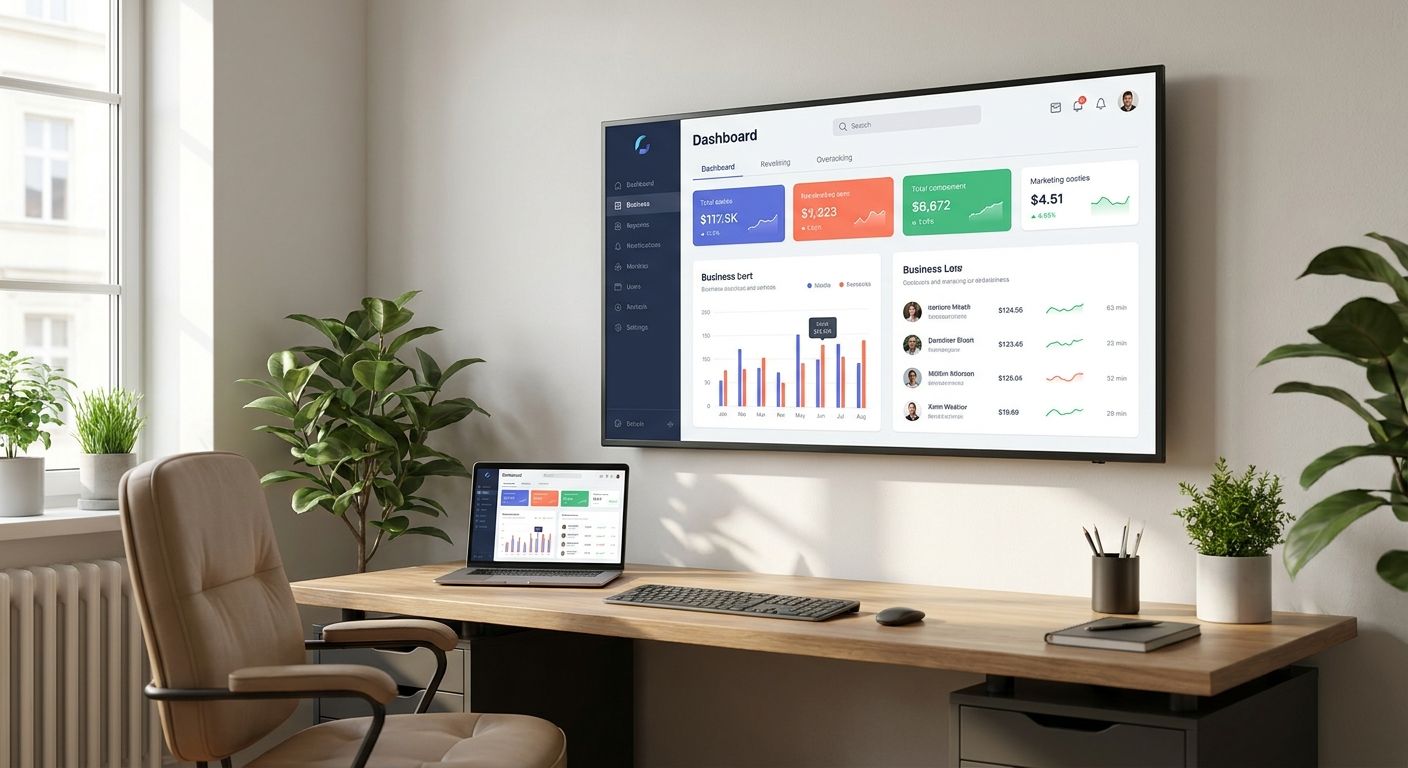
Mounting a TV in a home office in 2026 means treating it like a second monitor, not a living-room centerpiece — the height, angle, and wall type all change once video calls and screen-sharing enter the picture.
- Full-motion arms win for home offices with multi-monitor desks or shared video call space — fixed mounts save $50-100 but lock you into one angle.
- Eye-line height for a home office TV mount sits 4-8 inches lower than a living room mount built for couch viewing.
- Condo and rental home offices need HOA-compliant anchoring — drywall anchors alone fail on load ratings above 40 lbs.
- Basement home offices need a stud-finder check before drilling; poured concrete or block walls require different hardware entirely.
- The TV Mount Men has completed 10,000+ installations across metro Atlanta with a 5-year warranty on every mount.
Why this matters
A TV mounted for a living room and a TV mounted for a home office are two different jobs, even though the hardware looks the same. Living room mounts get placed for a couch 10-12 feet away; office mounts get placed for a desk chair 3-5 feet away, which changes the math on height, tilt angle, and glare completely.
Get it wrong and you spend eight hours a day looking up at a screen or fighting window glare on every video call. The TV Mount Men sees this mistake constantly in metro Atlanta home offices converted from spare bedrooms, basements, and garages during 2026 — TVs mounted at living-room height with zero regard for a desk chair sightline.
Who this is for
This guide is for remote and hybrid workers in the Atlanta metro turning a spare room, basement corner, or garage bay into a functional home office with a TV as a second monitor, presentation screen, or video conferencing display. It applies whether you're a homeowner drilling into drywall, a condo owner working around HOA rules, or a renter who needs a mount that won't tank a security deposit.
What to look for in TV mounting for a home office
Mount type: fixed, tilt, or full-motion arm
A fixed mount holds the TV flat against the wall and works only if the screen sits dead-center at eye level already. A tilt mount adds up to 15 degrees of downward angle, useful if the TV sits above a credenza or filing cabinet. A full-motion arm swings the screen 90-180 degrees left and right and pulls it 12-20 inches off the wall — the only option if you split time between a desk chair and a standing position, or if two people share the office and need different sightlines.
Eye-line height for video calls
Office mounting height runs 4-8 inches lower than a typical living room mount because the viewer sits close and low in a desk chair rather than reclined on a couch. Center the screen at seated eye level, roughly 42-48 inches off the floor for most desk chairs, not the 56-60 inches common in family rooms.
Wall material behind the TV
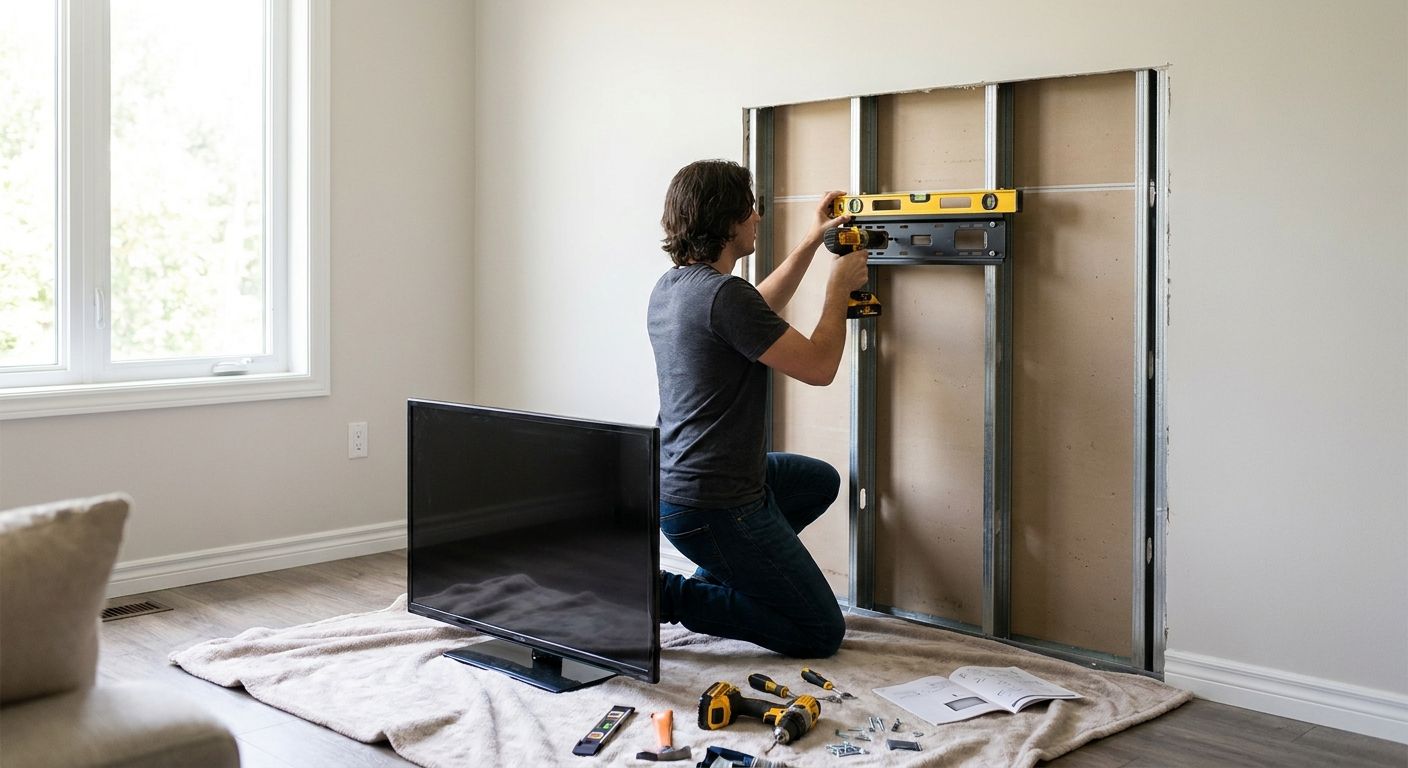
Drywall over wood studs is the easiest surface and the cheapest install. Basement walls poured in concrete or built with concrete block need masonry anchors rated for the mount's weight class, not standard drywall toggles. Garage walls with exposed studs and no drywall need a different bracket spacing entirely — measure stud spacing before assuming a standard mount pattern fits.
Cable management and outlet placement
A home office running a TV as a second monitor usually adds an HDMI or DisplayPort run alongside the power cord, plus a webcam or soundbar cable in some setups. An in-wall outlet installed behind the mount point eliminates the cord dangling down to a power strip on the desk — worth the extra step in a room used eight hours a day.
Glare control relative to windows and lighting
A TV mounted directly across from a window turns into a mirror by mid-afternoon, and a TV behind the desk chair means every video call shows a bright window blowing out the camera exposure. Map the room's window position before picking a wall — the mount location matters as much as the height.
HOA and lease restrictions
Condo and apartment offices often carry rules against drilling into shared walls or require anchors that don't penetrate load-bearing structure. Check the building's rules before committing to a full-motion arm, which needs more anchor points than a basic fixed mount.
Top picks for home office TV mounting
The Full-Motion Arm — the flexible pick. Swings 90-180 degrees and extends 12-20 inches off the wall, which matters when a desk faces one direction for work and pivots toward a couch or second seating area for calls. Best for offices where the screen needs to serve two positions in the same room. Buy if your office layout isn't fixed yet.
The Low-Profile Fixed Mount — the compliant pick. Sits within an inch of the wall and needs fewer anchor points, which makes it the easier sell in a condo or HOA building where anchor count and wall penetration get scrutinized. Condo and HOA TV mounting covers what most Atlanta buildings actually restrict before a drill goes anywhere near the wall. Buy if the office sits in a shared-wall unit.
The Basement Office Build — the space-saving pick. Basement offices in Georgia homes frequently hit concrete or block walls that standard drywall anchors can't handle, and the ceiling height in finished lower levels often runs 7-8 feet, tighter than main-floor rooms. Basement home office TV mounting walks through the anchor difference before a bracket goes up. Buy if the room reads as unfinished block behind the drywall.
The Garage Conversion Setup — the wildcard pick. A garage bay turned into a home office in 2026 usually has exposed studs and no drywall layer, which changes bracket spacing and often needs a plywood backer board first. Consider this route only if the garage conversion is permanent — it's not worth the extra prep work for a temporary setup.
What to avoid
- Reusing a living-room mount height. A bracket set at 58 inches for couch viewing puts the screen well above eye line for a desk chair, forcing neck strain on every call.
- Skipping the stud or anchor check in a basement. Drywall toggle anchors rated for 40-75 lbs fail fast when the real wall behind the drywall is poured concrete needing masonry screws instead.
- Ignoring HOA anchor rules before buying hardware. A full-motion arm needing four to six anchor points can violate a condo association's wall-penetration limit that a low-profile fixed mount stays under.
“If the mount sits above your camera's eye line, every video call makes you look like you're presenting to the ceiling.”
Get your home office mount quoted
Licensed, insured installs across metro Atlanta with a 5-year warranty.
Verdict comparison
| Configuration | Mount type | Best for | Typical height | Verdict |
|---|---|---|---|---|
| Full-Motion Arm | Articulating, 90-180° swing | Multi-position desks, shared rooms | 42-48 in | Buy |
| Low-Profile Fixed | Flat against wall | Condos, HOA units | 42-48 in | Buy |
| Basement Office Build | Fixed or tilt, masonry anchors | Finished lower levels | 40-46 in | Buy |
| Garage Conversion | Fixed, stud-spaced bracket | Permanent garage offices | 44-48 in | Consider |
FAQ
What's the best TV mount height for a home office?
Center the screen at 42-48 inches off the floor for a seated desk chair in 2026 home office setups. That's 4-8 inches lower than the 56-60 inch height typical for living room couch viewing.
Is a full-motion arm better than a fixed mount for a home office?
A full-motion arm is better when the office needs the screen to serve both a desk position and a second seating area, since it swings 90-180 degrees and extends 12-20 inches off the wall. A fixed mount is better in a condo or HOA unit needing fewer anchor points.
How much does TV mounting for a home office cost in 2026?
Cost depends on mount type, wall material, and whether an in-wall outlet is added behind the TV. Basement and garage installs typically run higher than standard drywall jobs due to masonry anchors or backer board work.
Can I mount a TV in a condo home office without violating HOA rules?
Yes, with a low-profile fixed mount that needs fewer anchor points and avoids penetrating shared load-bearing walls. Check the building's specific anchor and drilling rules before choosing hardware.
Do basement home offices need special mounting hardware?
Basement walls in many Georgia homes are poured concrete or block behind the drywall, which needs masonry anchors instead of standard drywall toggles. A stud or wall-material check before drilling avoids a failed mount.
Should the TV go behind or in front of the desk for video calls?
Neither directly across from a window nor directly behind the desk chair works well, since window glare either washes out the screen or blows out the camera exposure. Map window position in the room before picking the wall.
Can I mount a TV in a garage home office without drywall?
Yes, but exposed studs need a bracket matched to actual stud spacing, and many garage conversions add a plywood backer board first. This adds a prep step that a standard drywall install doesn't need.
One last thing
The detail most home office owners skip in 2026 is the outlet, not the bracket — a mount installed without power run behind the wall means a cord running down to a desk-level power strip for the life of the setup, in a room used eight hours a day where that cord becomes the thing you trip over.