Renting doesn't mean you have to skip a wall-mounted TV. The right hardware and a few landlord-friendly techniques get a screen up straight, secure, and hole-free (or close to it) without triggering a security-deposit fight.
- No-drill mounts rated to 35-50 lbs handle TVs up to 55 inches without touching drywall.
- A no-damage TV mount for rental apartments uses tension poles, adhesive plates, or furniture straps instead of lag bolts.
- Toggle bolts into drywall alone hold roughly 50-100 lbs — fine for a full-motion arm, risky without stud backing on heavier TVs.
- Photograph the wall before and after; most Atlanta leases require restoring holes smaller than a quarter-inch, not repainting.
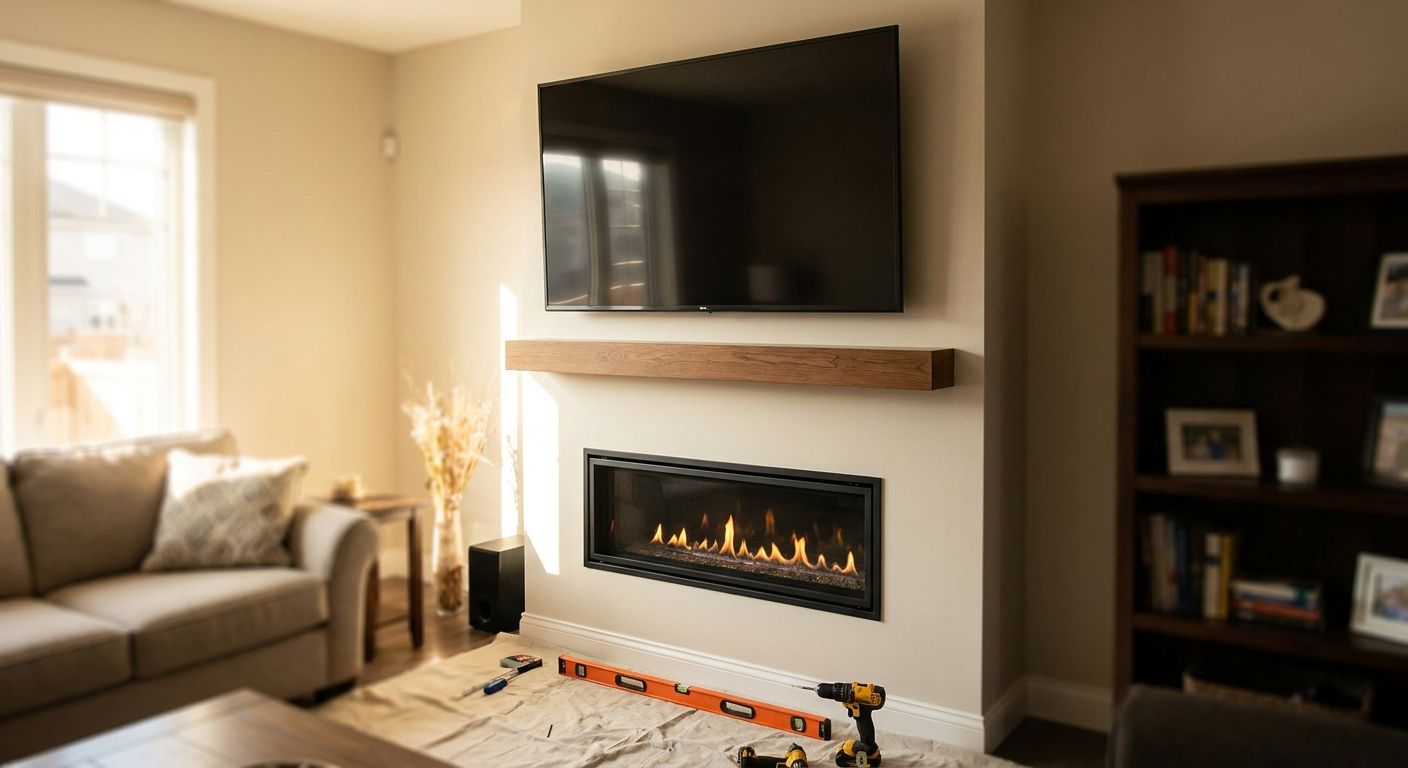
- For anything over 55 inches or above a fireplace, a professional install avoids the anchor-pull-out failure that voids a deposit refund.
Why this matters
A TV that isn't anchored into a stud or a rated anchor doesn't fail gracefully — it pulls the anchor straight out of the drywall, usually while someone's toddler or dog is in the room. In 2026, most metro Atlanta leases still charge for wall damage beyond a nail hole, and a torn-out anchor point leaves a hole the size of a fist, not a pinprick.
The fix isn't avoiding a mount. It's picking hardware that matches how the wall is built and how the lease is written. A no-damage TV mount for rental apartments and a stud-anchored full-motion arm solve two different problems, and mixing them up is where most DIY apartment installs go wrong.
What you'll need
- Stud finder (magnetic or electronic — electronic is more reliable on plaster)
- Level and tape measure
- Painter's tape for marking hole locations before drilling
- Either: a rated no-drill mount (tension pole, adhesive-plate, or furniture-strap system) OR a stud-mount bracket with toggle bolts if the lease allows drilling
- Phillips and flathead screwdrivers
- Cable clips or a cord cover to route wires without cutting into drywall
- Phone camera to document the wall condition before you start
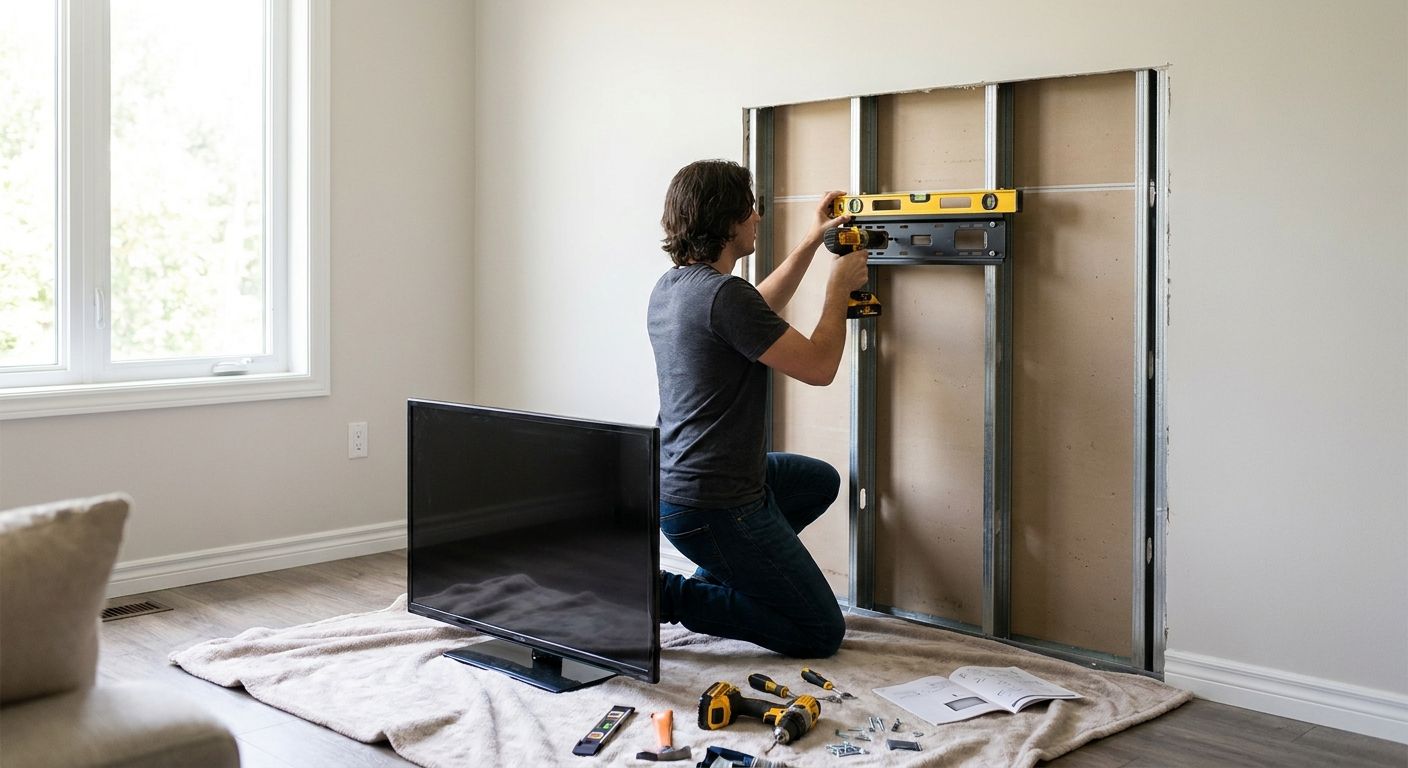
If the unit has metal studs instead of wood — common in newer Atlanta mid-rise construction — standard wood screws won't bite, and that changes which bracket works. Check a mount built for metal stud walls before buying hardware.
The steps
1. Read the lease before you buy anything
Most apartment leases distinguish between "reasonable wear" and damage that comes out of the deposit. Small screw holes patchable with a dab of spackle usually fall under normal wear; anything requiring drywall repair or repainting a section doesn't.
Call the property manager if the lease is vague. Getting a yes in writing (text message counts) protects the deposit more than any hardware choice does.
Common mistake: assuming "no mounting" clauses ban all TV mounts. Most only ban drilling — a no-drill mount for rental apartments with no wall damage typically satisfies the clause because it never touches drywall.
2. Find the studs and mark the layout
Run the stud finder horizontally at the height you want the TV's center, then mark both edges of each stud with painter's tape. Studs sit 16 inches apart on-center in standard U.S. framing — once you find one, measure 16 inches over to confirm the next.
Hold the mount's bracket against the wall at your marked height and check it's level before marking bolt holes. A half-inch of tilt is invisible at eye level but obvious once the TV's on.
Common mistake: mounting to a single stud with a full-motion arm. Full-motion brackets put lateral stress on the wall when extended — use a two-stud pattern or a rated mounting plate whenever the arm swings more than 15 degrees off center.
3. Choose drywall-only or stud-anchored hardware
If the lease allows small holes, toggle bolts or heavy-duty drywall anchors rated 50-100 lbs handle a fixed or tilt mount for most TVs up to 65 inches, as long as at least two anchor points land in solid drywall away from electrical boxes.
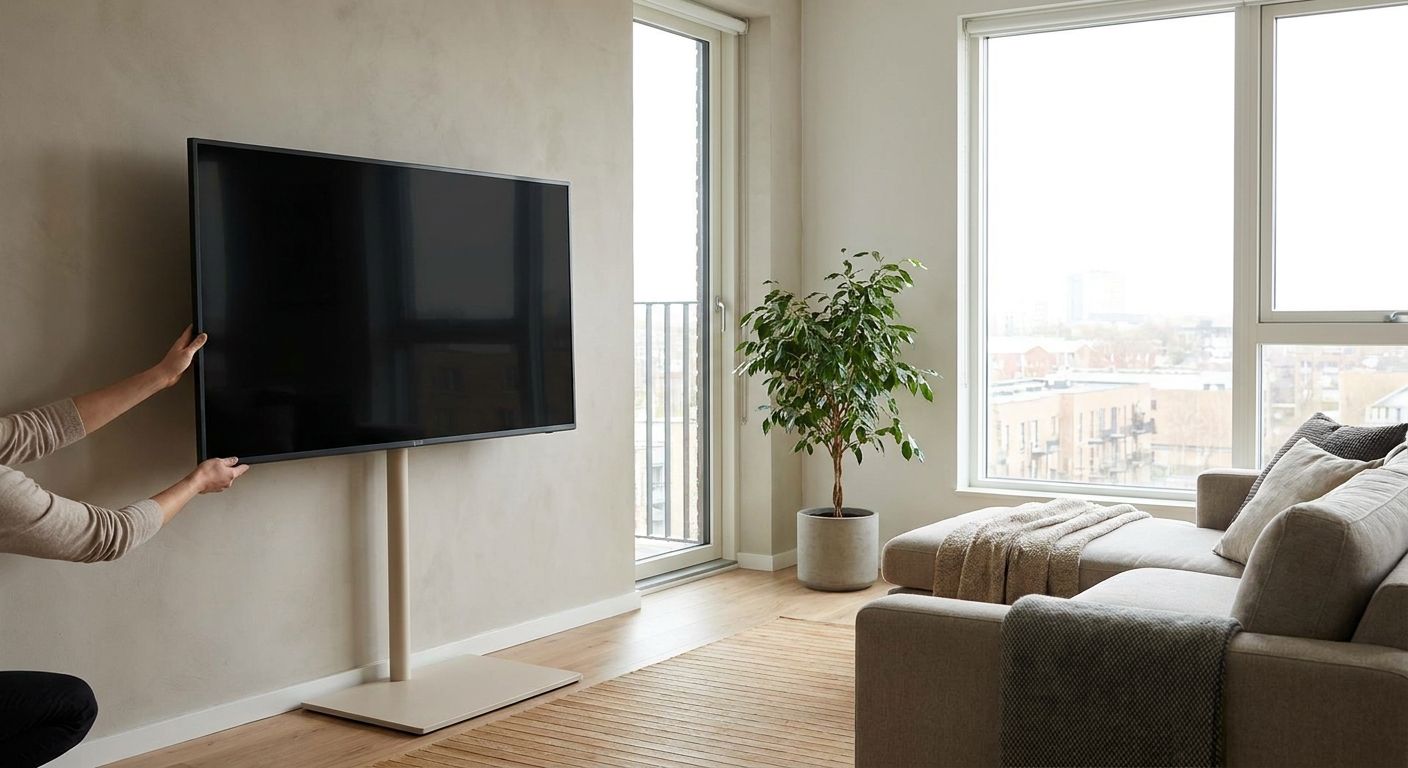
If the lease bans holes entirely, go with a no-drill mount for rental apartments: tension-pole systems that brace floor-to-ceiling, adhesive-plate mounts rated to roughly 35-50 lbs, or furniture-anchor straps that hook over existing shelving. These skip stud-finding altogether because there's nothing to drill.
4. Mount the bracket and torque it down evenly
Drive anchors or toggle bolts in a slow, even pattern — corner to corner, not side to side — so the bracket doesn't warp against the wall. Overtightening drywall anchors strips the hole and drops your weight rating; snug is the goal, not maximum torque.
Tug-test the bracket with body weight before hanging the TV. It should not flex or shift.
Common mistake: skipping the tug test and finding out the bracket's loose only after the TV's attached and swinging.
5. Attach the TV and route the cords
Lift the TV onto the bracket with a second person spotting the bottom edge — even a 32-inch TV at roughly 15 lbs is awkward one-handed, and a 65-inch model can run 50-60 lbs. Confirm the safety latch or locking pin clicks before letting go.
Route HDMI and power cords through a stick-on cable channel rather than cutting into the wall for an in-wall power kit, which most leases treat as a permanent modification.
6. Document the finished wall
Photograph the mount, the cord routing, and the surrounding wall the same day. This is the proof that resolves any move-out dispute about pre-existing versus new damage.
Keep the photos with your move-in inspection sheet, not just in a random phone album — you'll want to find them fast at move-out.
Troubleshooting
- Bracket wobbles after installation: the anchor didn't seat in solid drywall or missed the stud. Pull it, patch the hole with spackle, and move the mount half an inch to fresh material.
- TV sits tilted even though the bracket is level: the bracket's arms aren't torqued evenly — loosen both sides and re-tighten in an alternating pattern.
- No-drill adhesive mount won't hold: the wall surface has texture or a fresh paint layer the adhesive can't grip. Clean with rubbing alcohol and let it cure 24 hours before load-testing, or switch to a tension-pole system that doesn't rely on adhesion.
- Studs are metal, not wood: standard wood screws strip immediately. Swap to self-tapping metal-stud screws or a mount rated for metal stud walls.
- Landlord says no holes, period: a furniture-strap or tension-pole mount for a small living room setup gets the TV off the floor without touching the wall at all.
- Cords visible and messy: a stick-on cable raceway painted to match the wall hides the run without any cutting.
Skip the guesswork on move-out day
Licensed, insured TV mounting across metro Atlanta with a 5-year warranty.
Tools and resources
- Best no-damage TV mount for rental apartments — the hardware comparison for lease-restricted units
- General guidance on TV mounting for apartments and rental properties
- If the living room is tight on wall space, check low-profile TV mounts for small living rooms
- Condo or HOA unit instead of a standard lease? Rules differ — see TV mounting for condos and HOA communities
What to do next
If the TV is over 55 inches, going above a fireplace, or the walls turn out to be metal stud or plaster instead of standard drywall, a DIY no-drill mount stops being the reliable option. That's the point where a professional install — done in one visit, with a warranty covering the anchor points — costs less than a failed anchor and a deposit dispute.
FAQ
How do you mount a TV in an apartment without drilling holes?
Use a no-drill mount for rental apartments — tension-pole systems, adhesive-plate mounts rated to 35-50 lbs, or furniture-anchor straps that hook over existing shelving. None of these require touching drywall.
Is it OK to mount a TV on drywall without hitting a stud?
Yes, if you use rated toggle bolts or heavy-duty drywall anchors, which hold 50-100 lbs across two anchor points. A single anchor without stud backing is risky for TVs over 55 inches.
What's the best TV mount for a rental apartment?
For lease-restricted units, a no-drill mount rated to at least 35 lbs handles most TVs up to 55 inches without wall damage. For heavier TVs, a stud-anchored bracket with landlord approval is the more secure option.
Will my landlord charge me for TV mount holes?
Most leases treat small screw holes as normal wear, patchable with spackle, but larger anchor damage or paint repair usually comes out of the deposit. Get mounting approval in writing before drilling.
How much weight can a no-drill TV mount hold?
Adhesive-plate and tension-pole mounts typically hold 35-50 lbs, enough for most 55-inch TVs. Check the manufacturer's rating against your TV's actual weight before installing.
Can you mount a TV on a wall with metal studs?
Yes, but standard wood screws won't hold — you need self-tapping metal-stud screws or a bracket rated for metal stud walls. Skipping this swap is the most common cause of a mount pulling loose.
Do I need a stud finder to mount a TV in an apartment?
Only if you're drilling into drywall. No-drill mounts skip the stud-finding step entirely since they brace against the floor and ceiling or adhere to the wall surface.
Is it cheaper to mount a TV myself or hire a professional in 2026?
DIY hardware runs less upfront, but a failed anchor or deposit dispute erases that savings fast. A professional install in 2026 typically includes a warranty covering the anchor points, which a DIY job doesn't.
One last thing
The detail most renters miss: a security deposit dispute almost never hinges on whether you mounted a TV — it hinges on whether you can prove the hole was small and pre-patched. A five-minute photo taken the day you mount the TV, and again the day you take it down, settles more move-out arguments in 2026 than any mount brand does.